多言語に対応する
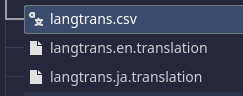
今回はCSVを使用した。
CSVは1行目にキーを設定して対応する言語を羅列していく。
CSVはUTF8でテキストエディタで作成する。Godotのエディタでは編集できない。
また、EXCELはUTF8ではないので文字化けする。
Godotにインポートすると自動でtranslationファイルが出来上がる
keys,ja,en
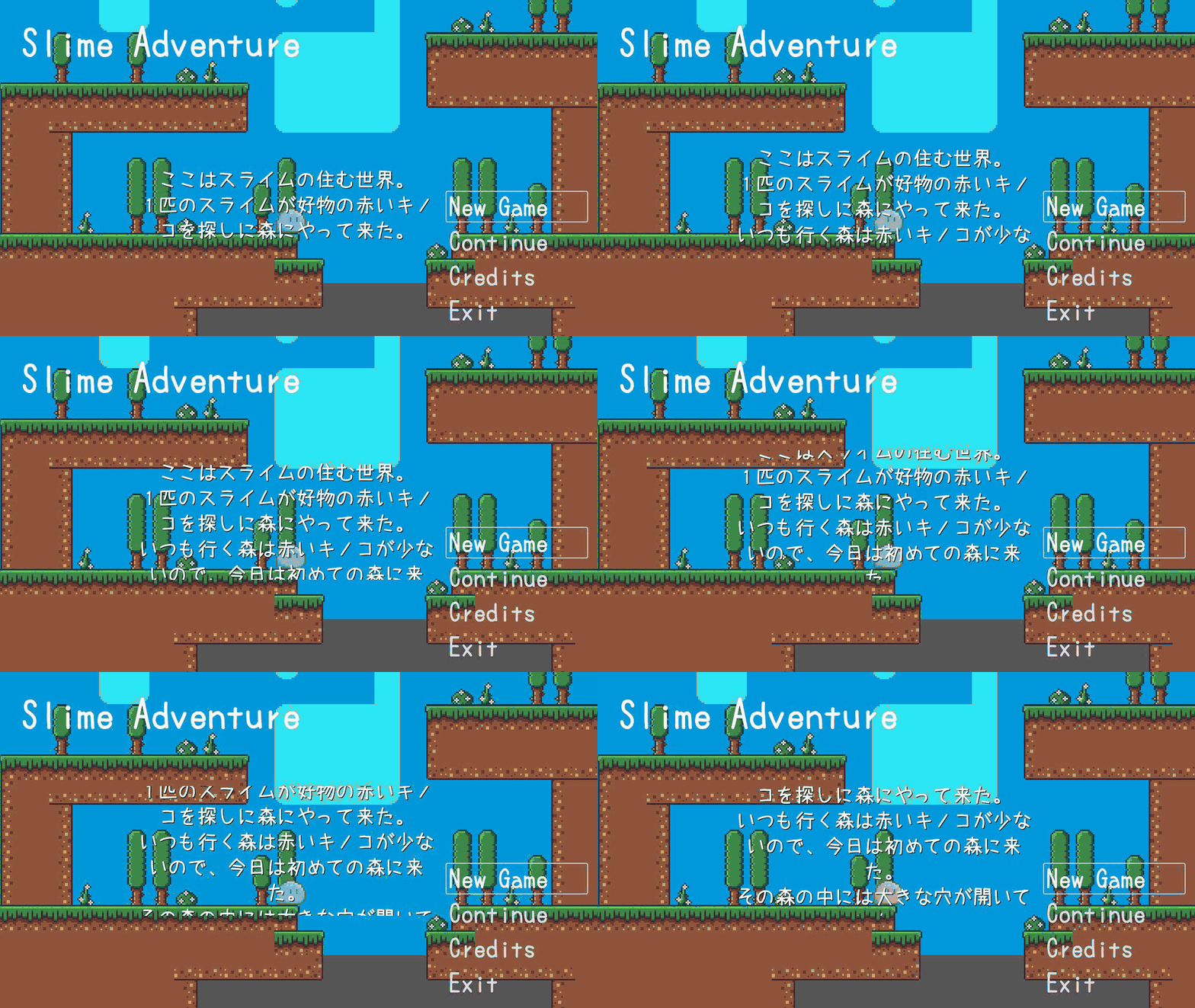
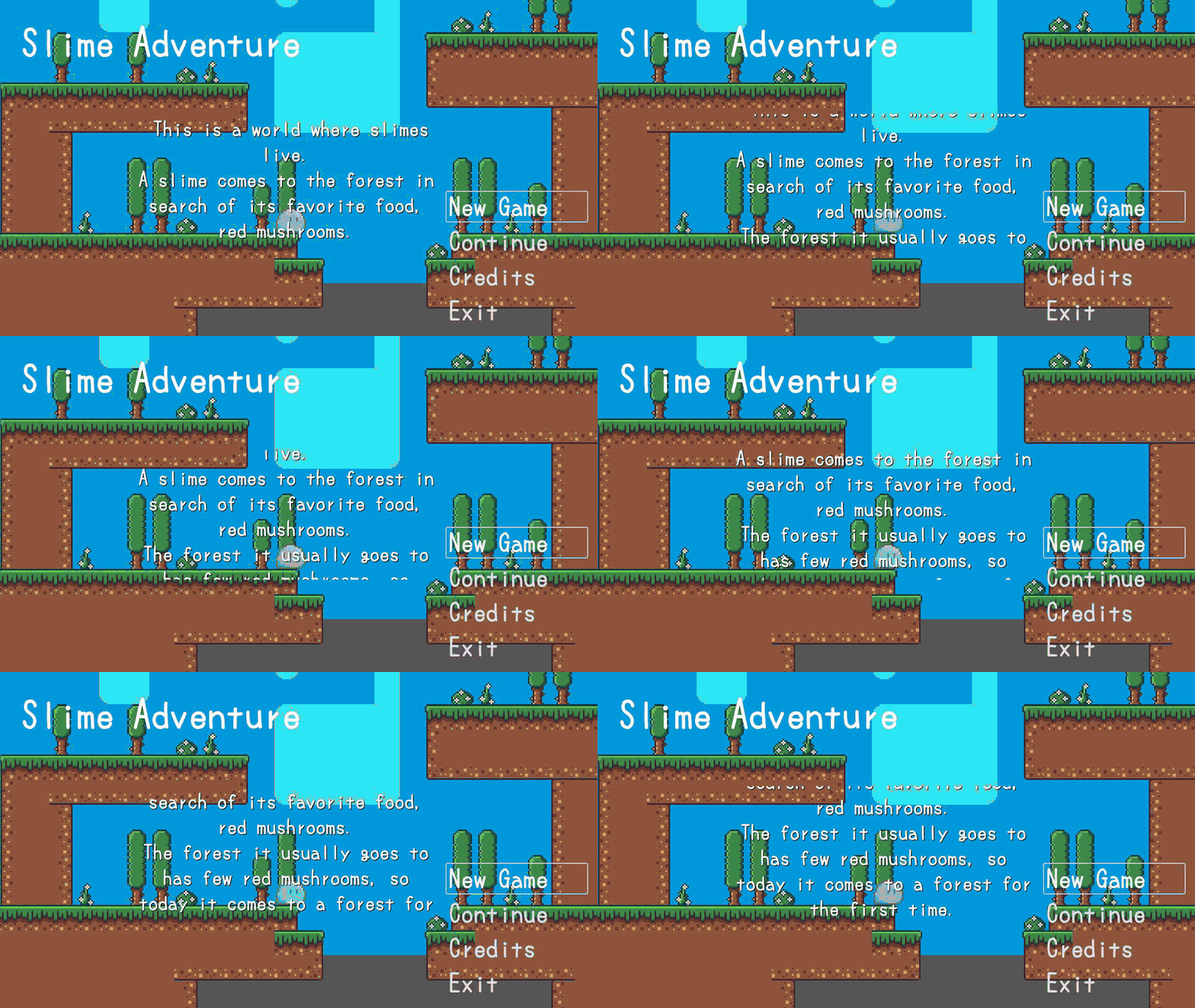
TitleD,"ここはスライムの住む世界。\n1匹のスライムが好物の赤いキノコを探しに森にやって来た。\nいつも行く森は赤いキノコが少ないので、今日は初めての森に来た。\nその森の中には大きな穴が開いていた。\nスライムは穴をのぞき込み、足を滑らせ穴の中へと落ちてしまう。\nスライムは穴の中を彷徨い、他の森へと出てしまう。\n果たしてスライムは元の森へと帰れるのだろうか。", "This is a world where slimes live.\nA slime comes to the forest in search of its favorite food, red mushrooms.\nThe forest it usually goes to has few red mushrooms, so today it comes to a forest for the first time.\nIn the middle of the forest there is a large hole.\nThe slime peers into the hole, slips, and falls into the hole.\nThe slime wanders around the hole and ends up in another forest.\nWill the slime be able to return to its original forest?"
EndingD,"スライムは数多の困難を乗り越え\n生まれた森へと帰ってきた。\n森でスライムは家族や友人に再開し、\n帰って来れたことを喜び合った。\nスライムは冒険中に採取した\n緑と赤のキノコを大量に並べ\n仲間たちと舌鼓を打ったのであった。\n-終わり-","After overcoming many hardships,\n the slime returned to the forest where he was born.\nIn the forest,\n the slime was reunited with his family and friends,\nand they rejoiced at his return.\nThe slime lined up a large number of\n green and red mushrooms that he had collected during\n his adventure,\nand enjoyed a feast with his friends.\n-End-"
プロジェクトのローカライズでtranslationファイルを指定する
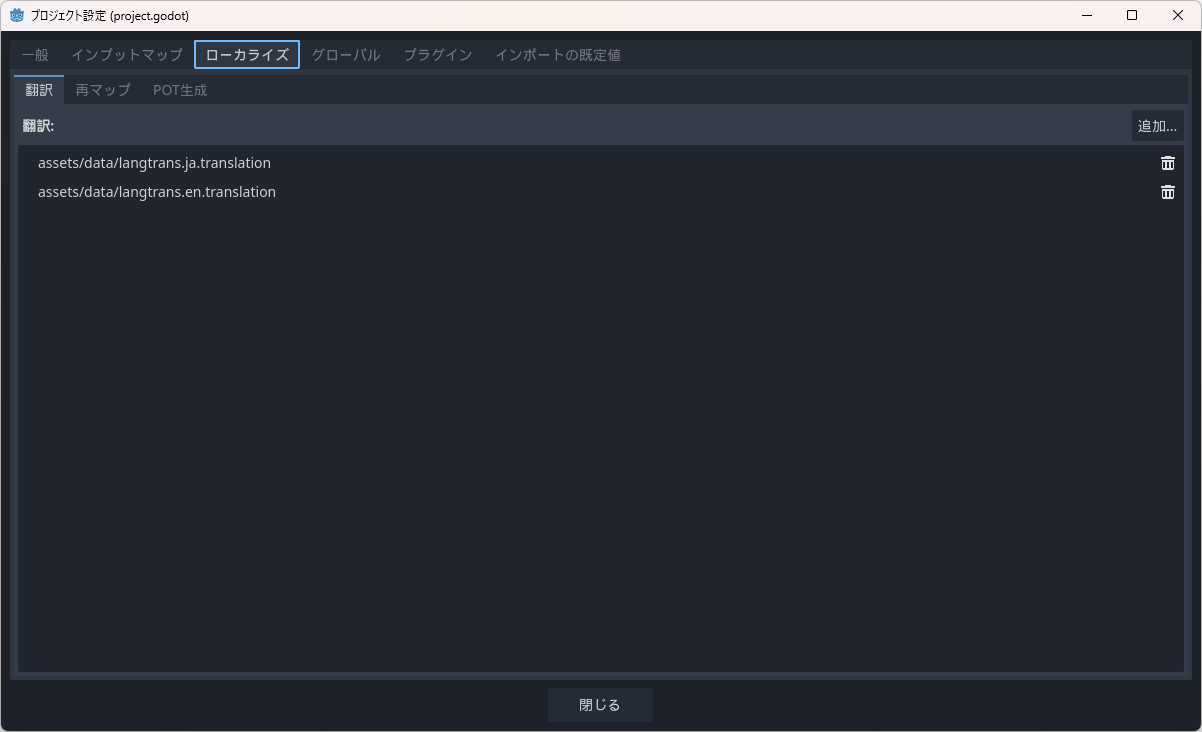
使用方法は言語を使うスクリプトでキーを指定すると、対応する言語で表示される
PCの言語設定を自動判別するらしい。
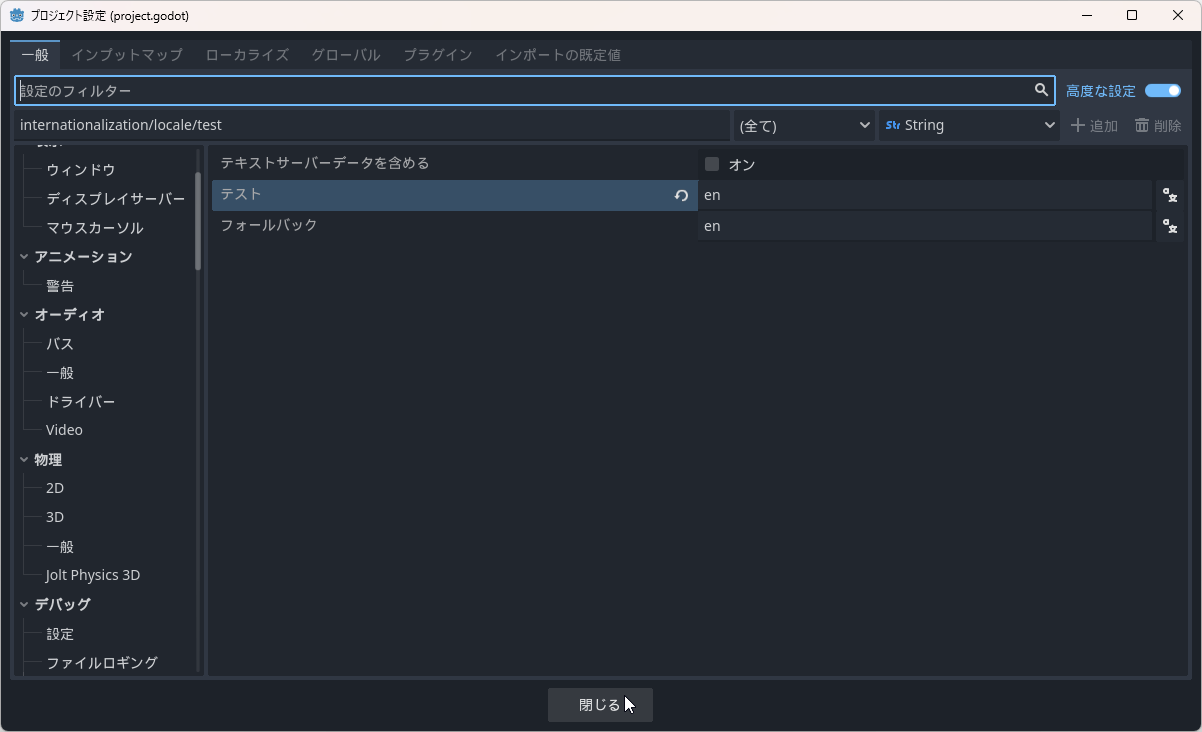
title_discription.text = tr("TitleD")自身の言語以外をテストする場合は、プロジェクト設定を「高度な設定」にしてテストの所を指定すれば表示される。
ちなみに、設定されていない言語の場合は「フォールバック」の言語が参照される